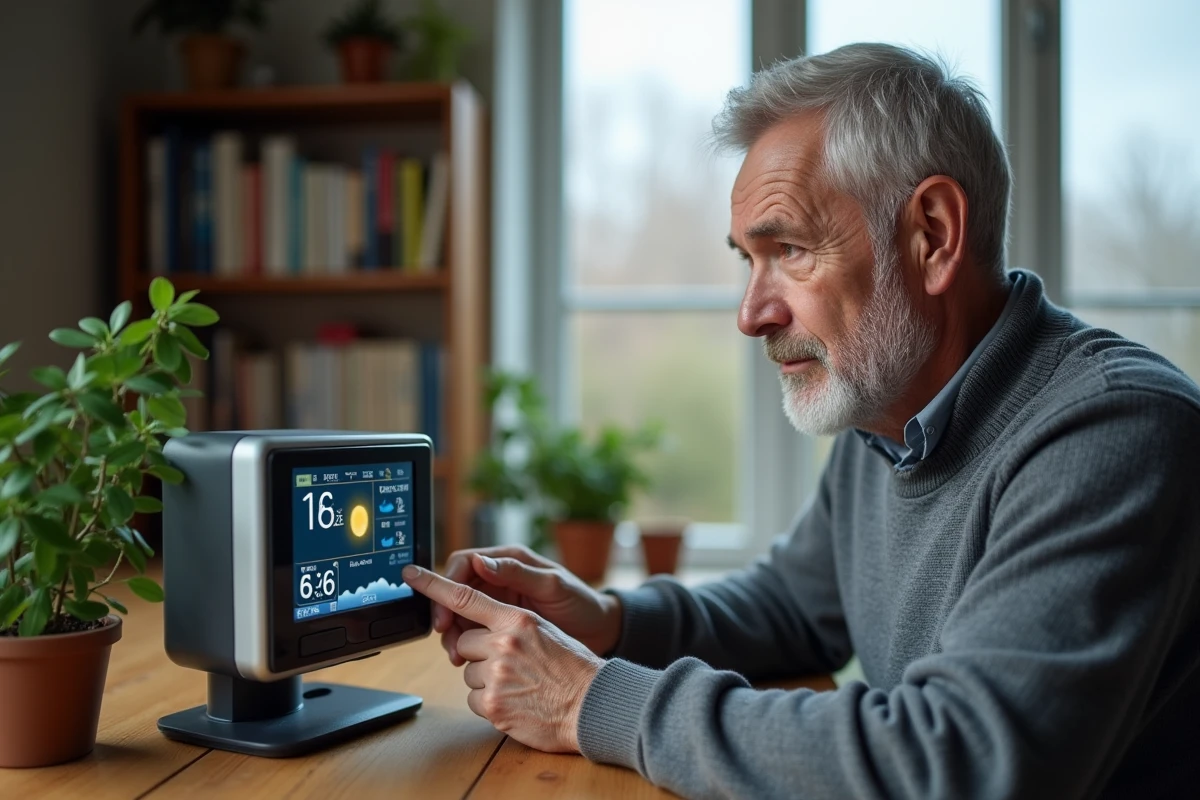
A La Crosse Technology weather station that displays dashes, loses contact with its outdoor sensor, or no longer synchronizes to the DCF77 time is not necessarily defective. In most cases, the problem stems from the immediate environment of the device: worn batteries, radio interference, or a physical obstacle between the console and the transmitter.
Identifying the actual source of the malfunction before initiating a reset saves time and prevents having to repeat the same procedure multiple times.
Diagnosis Before Reset: Device Failure or Environmental Failure
The first step, before any manipulation, is to determine whether the station itself is at fault. A partial or frozen display may result from batteries whose voltage has dropped below the critical threshold, an outdoor sensor that is too far away, or a DCF77 signal disrupted by nearby electronic devices.
For models that connect via Wi-Fi or through a cloud application, a home network failure or a server update can also block the display without the hardware being responsible. Before resetting a La Crosse Technology weather station in case of failure, four specific points need to be checked.
- Battery Status: Always replace all batteries (console and transmitter) with new alkaline batteries of the same type, without mixing new and used batteries. The low battery indicator does not always appear before a malfunction.
- Distance and obstacles between the sensor and the console: the advertised range of the radio link (868 MHz frequency on most models) significantly decreases in the presence of thick walls, metal surfaces, or insulated glazing. Temporarily moving the sensor closer to the console can help confirm or rule out a range issue.
- DCF77 Signal: Time synchronization via the radio signal emitted from Frankfurt can fail for several hours, especially during the day. La Crosse Technology support specifies that automatic synchronization can be delayed up to 24 hours on recent models, which does not constitute a failure.
- Network Connection (Wi-Fi models): Check that the router is functioning, that the 2.4 GHz network is active, and that the mobile application associated with the station is up to date.
If all these points are normal and the station remains stuck, a reset is then justified.
Classic Reset by Removing Batteries on La Crosse Technology Station
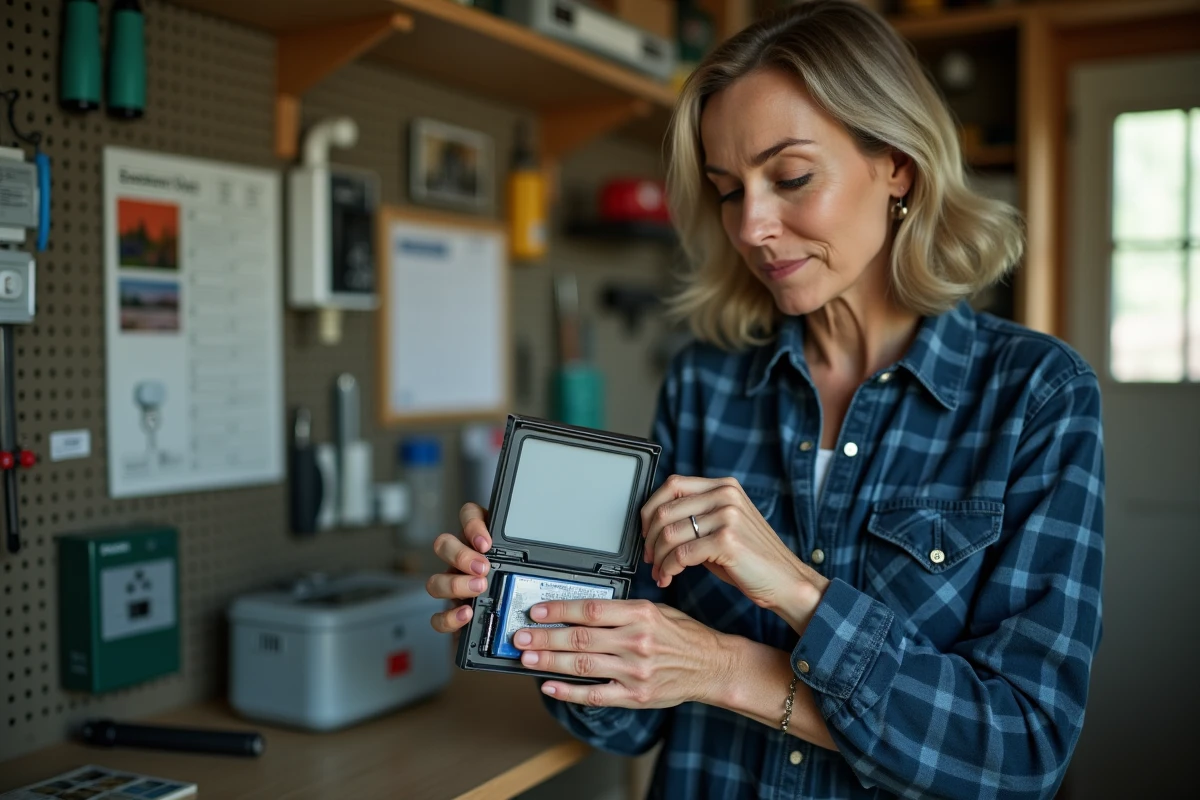
The most common procedure, described in most La Crosse Technology manuals, is based on a simple cycle: remove all batteries from the console and the outdoor sensor, wait a few minutes, then reinstall them starting with the transmitter.
Power-Up Order
The outdoor transmitter must always be powered first. This sequence allows the console, once its own batteries are inserted, to immediately detect the signal from the sensor and establish the radio link. Reversing this order is the most frequent cause of reset failure.
After inserting the batteries into the console, the device enters a phase of searching for the sensor and the DCF77 signal. This phase lasts from a few minutes to several hours depending on the environment. During this time, the screen may display dashes: this is normal behavior, not a sign of a persistent failure.
Precautions During Power-Up
Do not press any buttons during the initial search phase. On models equipped with an option to activate or deactivate DCF reception (available on WS7394, WS9180IT+, and others), ensure that reception is enabled (antenna icon visible). If it has been inadvertently disabled, the station will not attempt to synchronize and will remain in manual mode.
Factory Reset on Recent La Crosse Technology Models
Some recent models, such as the S75617, C85845, or V40A-Pro, do not reset solely by removing the batteries. They have a factory reset procedure via a key combination specific to each model.
The typical manipulation involves simultaneously pressing two buttons (for example, MENU and the minus key) for several seconds. This procedure restores all settings to factory values, including alert thresholds, time zone, and sensor associations.
Removing the batteries alone is not sufficient on these models, as an internal memory retains the settings even when powered off. The La Crosse Technology knowledge base (Zendesk articles) details the exact combination for each model. Checking the model number printed on the back of the console before searching for the appropriate procedure remains the most reliable reflex.
Persistent Problems After Resetting the Weather Station
If the station still does not work after a correct reset, the problem is likely hardware or environmental.
An outdoor sensor with oxidized battery contacts will not transmit, even with new batteries. Clean the contact strips with a cotton swab soaked in white vinegar or isopropyl alcohol. Sensors exposed to direct rain or installed in full sunlight age faster than those placed under ventilated shelter.
Radio interference is another major cause of failure. A transmitter placed near a microwave oven, Wi-Fi router, or dimmer switch may intermittently lose its connection with the console. Moving the sensor a few meters can sometimes resolve the issue.
For connected models, reinstalling the mobile application and re-establishing Wi-Fi association replaces the hardware factory reset when the problem only concerns access to remote data. The console itself continues to operate in standalone mode as long as the link with the sensor is active.
The last point to keep in mind: a La Crosse Technology weather station whose screen remains completely black after changing batteries and attempting a reset likely has an irreparable electronic defect. For out-of-warranty models, replacing the console is cheaper than repairing it.