
Lightroom is Adobe’s photo editing software, available exclusively through a monthly or annual subscription. Adobe offers three plans on its website, with additional options available from third-party retailers. The right choice depends on three factors: which apps are included, how much cloud storage you get, and how you’re billed.
Lightroom Cloud and Lightroom Classic: two apps, two different approaches
Before comparing prices, it’s important to understand the difference between the two versions of the software. Lightroom Cloud (sometimes called Lightroom CC) works on desktop, in a web browser, and on mobile devices. Photos are stored online and synced across all your devices.
Lightroom Classic remains a desktop application. Files are stored on your local hard drive, with cloud syncing limited to previews. Its editing tools are more comprehensive, particularly for batch processing and managing large catalogs.
A photographer who works exclusively on a desktop with thousands of RAW files has different needs from someone who edits on a phone or tablet. This distinction directly affects which plan to choose. For a detailed comparison of Lightroom subscription prices, the pricing structure depends above all on how you split your work between cloud and local storage.

Adobe subscription plans: what each one includes
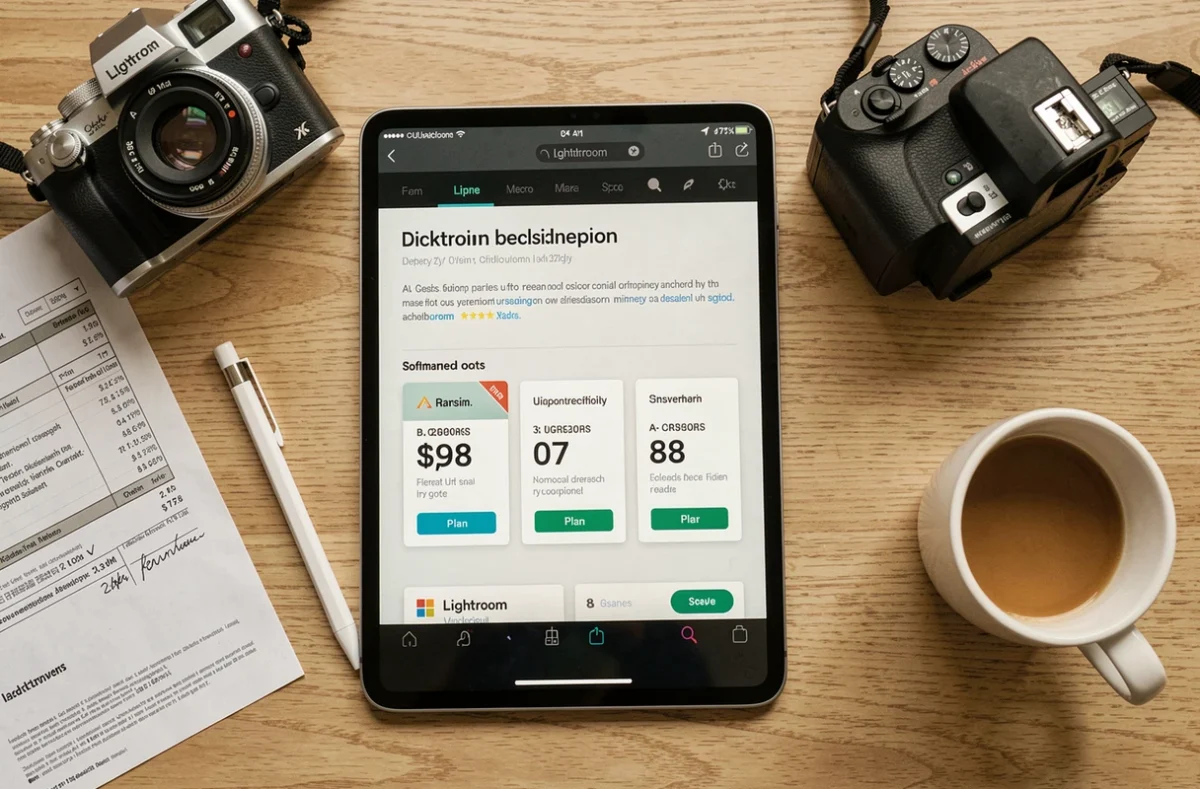
Adobe offers three main tiers. Prices vary with seasonal promotions, but the overall structure remains the same.
- Lightroom plan: Includes Lightroom Cloud (desktop, web, and mobile) with ample cloud storage. Lightroom Classic is not included. This plan is suited to users who prioritize mobility and syncing across devices.
- Photography plan (Lightroom + Photoshop): Includes Lightroom Cloud, Lightroom Classic, and Photoshop. It comes with less cloud storage than the Lightroom plan, but the three apps together cover most photo editing and compositing needs.
- Creative Cloud All Apps plan: Includes more than twenty Adobe apps (including Premiere, Illustrator, and InDesign), as well as Lightroom and Photoshop. It costs significantly more and is only worthwhile for professionals who use several Adobe apps every day.
The Photography plan remains the most popular choice among photographers because it combines Lightroom Classic for cataloging with Photoshop for advanced editing—and in some configurations, costs less than the Lightroom plan alone.
Cloud storage: a factor that’s often overlooked when choosing a plan
The amount of cloud storage varies by plan. The Lightroom plan offers plenty of space, while the Photography plan starts with a more limited amount.
For an amateur photographer importing a few hundred JPEGs a month, the basic storage allowance is enough. But a photographer who shoots RAW and accumulates several thousand images a year will quickly run out of space.
After you cancel, your storage reverts to the free account limit. If you’re using more than that, Adobe gives you time to retrieve your files before they’re deleted. Before subscribing, it’s wise to estimate the size of your original files and plan to keep a local backup as well.
Annual commitment, monthly billing: watch out for cancellation fees
Most Lightroom subscriptions listed on Adobe’s website require an annual commitment billed monthly. The monthly price is attractive, but canceling before the 12 months are up incurs a cancellation fee.
Adobe also offers a month-to-month plan with no minimum term, at a higher price. This option works for short-term use (a photo project lasting a few weeks, for example), but costs considerably more over a full year.
Third-party retailers and promotional offers
Retailers such as Amazon sometimes offer discounted prepaid annual subscriptions, particularly during limited-time sales. The process is simple: buy an annual license as a code and redeem it on your Adobe account.
The terms differ from those of a subscription purchased directly from Adobe. Automatic renewal isn’t guaranteed, and eligibility for promotions may vary over time. Check the expiration date and renewal terms before buying to avoid any surprises.
Alternatives to an Adobe subscription: perpetual licenses and competing software
A subscription isn’t the only business model in the photo editing market. Software such as Capture One and some free alternatives offer a perpetual license: a one-time payment with no recurring charges.
The upfront cost is higher, but over three to five years of use, the total may be less than the combined cost of Adobe’s monthly payments. When comparing options, factor in updates (included or paid, depending on the developer) and compatibility with newer camera models.
Choosing between a subscription and a perpetual license depends on how long you plan to use the software and how much you value regular updates. Photographers who keep their software for several years should calculate the total cost before committing to either option.
The right Lightroom subscription isn’t the one with the lowest price, but the one that fits how you actually work: the number of photos you handle, the devices you use, whether you need Photoshop, and how comfortable you are with limited cloud storage. Defining these criteria before comparing plans is the most reliable way to avoid paying for features you don’t use.